Python Project
FileTidy
A Python application that organizes files in a directory based on their extensions, moving them into category folders.
How it started
FileTidy is a simple yet powerful file organization tool designed to help users manage cluttered folders efficiently. The idea for this program originated from the frustration of dealing with an increasingly messy Downloads folder, where manually sorting files into directories became time-consuming. Additionally, deleting files of a specific type required tedious manual selection. FileTidy was developed to solve these issues by automating file organization and deletion tasks. This project was built entirely from scratch, from designing the interface to creating an executable program and setup file for easy installation. FileTidy is written in Python, utilizing customtkinter for a clean and modern user interface.
Functionality
The program has simple functionality, yet it is doing its job excatly how I imagined. FileTidy provides the following core features:
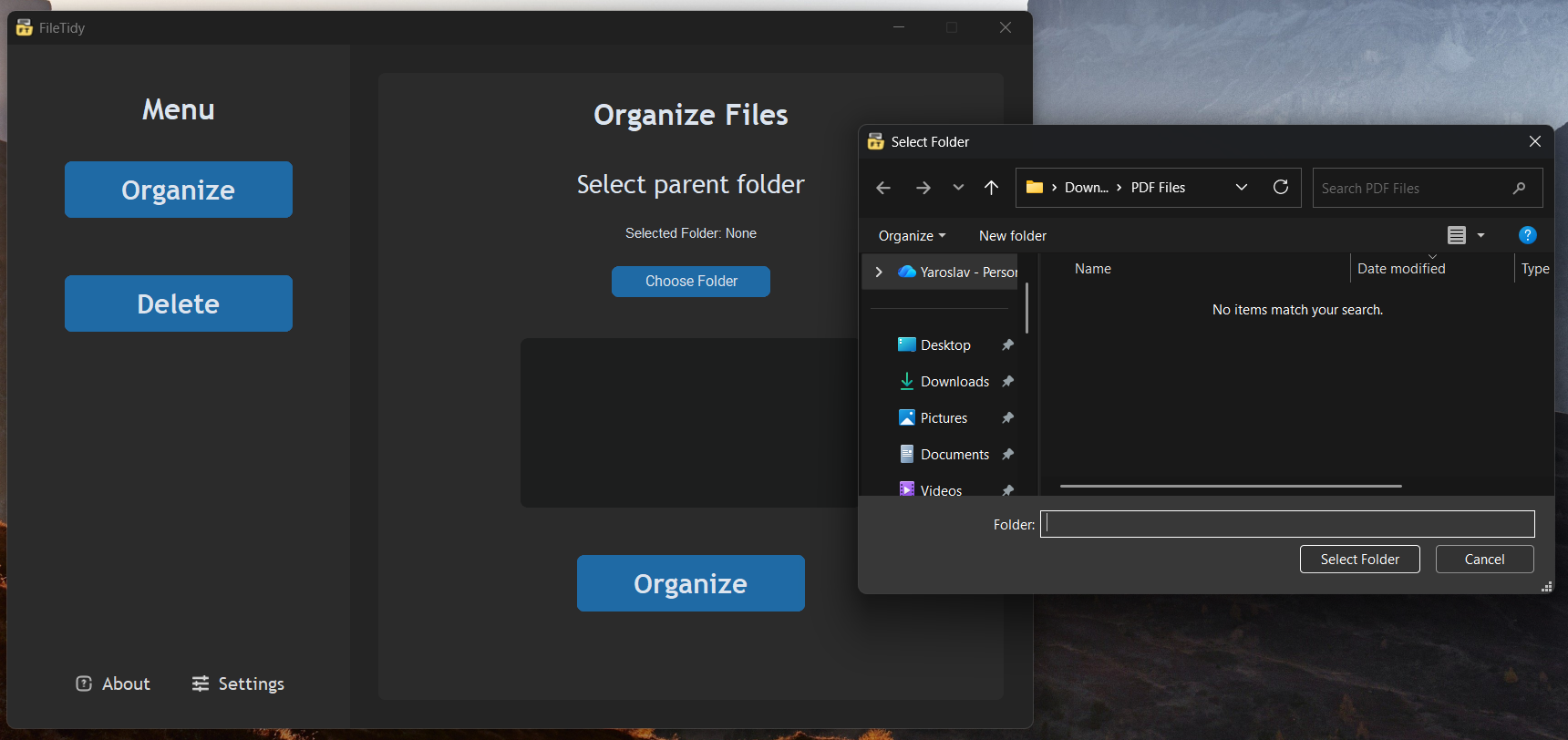
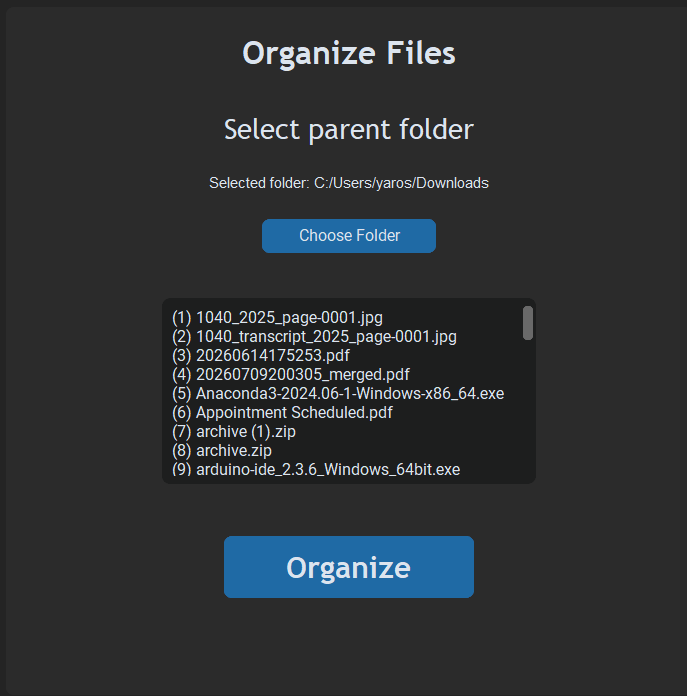
- Organize Files: Sorts files into subfolders based on their extensions (e.g., Excel Files, Text Files, Images, etc.).
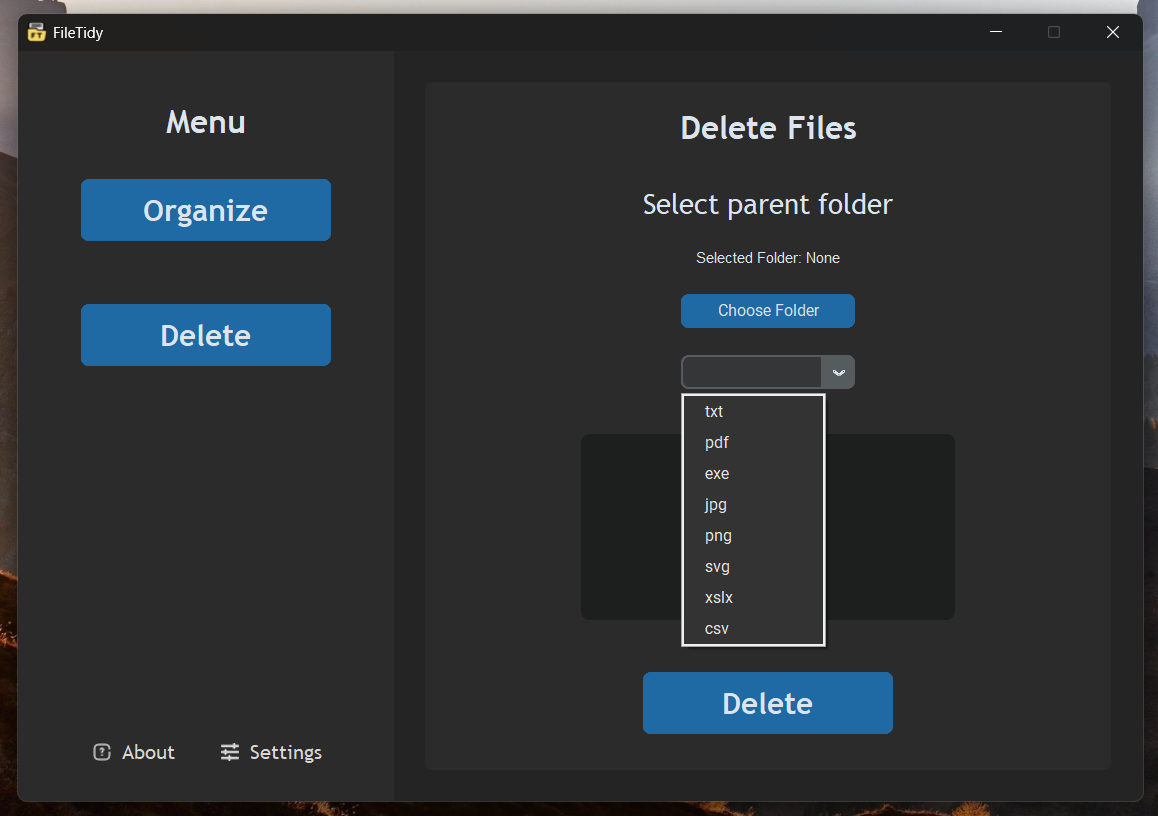
- Delete Files by Extension: Allows users to select a folder and delete all files of a specified extension.
- Settings Panel: Includes a button to switch between dark and light mode.
Installation and Running
- Download the Setup File: A setup file is available for easy installation.
- Run the installer: Follow the installation steps.
- Launch and Enjoy!
Tech stack and approach
- Idea and Initial Design: The concept was first drafted in Photoshop to visualize the user interface.
- Coding the Core Functionality: Developed the core organizing and deleting features using Python.
- UI Development: Used customtkinter to design a simple and modern interface, inspired by existing applications.
- Feature Expansion: Added settings for dark/light mode and implemented a custom message box for alerts.
- Bug Fixes and Enhancements: Addressed minor bugs and improved program stability.
- Logo and Icons: Designed a logo symbolizing file organization using Adobe Illustrator and added small UI icons.
- Executable & Setup Creation: Generated an executable file and setup package to make the program accessible to users.
Learning Experience
FileTidy combined many cycles of software creation, starting from idea and leading software distribution. This project was a great, but short introduction to Object Oriented Programming. It was my first project using classes, and with multiple files handling their own tasks. Main challenges was building a correct structure, and creating executable file and setup installer, as it was the first time tackling such a task. While the program is functional and effective, there is always room for improvement, however scaling an app requires better structure design as one of the first steps, which was used in one of the later projects. With all of its pros and cons, it's still a perfect tool that I built for myself and use day-to-day.